What Is ONVIF? Why It Matters for Security Cameras
ONVIF stands for Open Network Video Interface Forum. In simple terms, ONVIF is a standard that helps IP security cameras, NVRs, and video management systems communicate with each other. For homeowners and small businesses, ONVIF matters because it can reduce the risk of buying a camera that does not work well with the recorder or software the system is supposed to use.
At HB Tech Pros, we treat ONVIF as a compatibility topic, not just a technical keyword. Most people shopping for cameras focus on resolution, night vision, and app features. Those details matter, but compatibility also matters. A camera that looks good on the product page can still create frustration if it does not connect cleanly to the recorder, NVR, or software platform in the field.
What ONVIF Means in Practical Terms
ONVIF helps different brands of IP cameras and recording platforms work together through a shared standard. The goal is interoperability. That means a compatible camera from one manufacturer may be discovered, configured, and used by an ONVIF-compatible recorder or video management system from another manufacturer.
This does not mean every feature will always work perfectly across every brand. It means the devices have a better chance of using shared methods for discovery, configuration, video profiles, and control features. For a buyer, that can make a camera system easier to expand later.
Why ONVIF Matters When Buying Cameras
- It can reduce vendor lock-in by making mixed-brand systems more practical.
- It can help an NVR discover and connect to compatible IP cameras.
- It can make future expansion easier if the property later needs more cameras.
- It can support more flexible camera system design for homes, small businesses, sheds, garages, and workshops.
- It helps buyers ask better questions before buying: "Will this camera work with my NVR?"
ONVIF vs. RTSP: They Are Not the Same Thing
ONVIF and RTSP are often mentioned together, but they do different jobs. ONVIF is mainly about device compatibility, discovery, configuration, and control. RTSP is mainly about video streaming. A practical way to think about it: ONVIF helps the system understand and manage the camera, while RTSP is one common way the video stream itself can be delivered.
| Topic | ONVIF | RTSP |
|---|---|---|
| Main purpose | Interoperability and device control | Real-time video/audio streaming |
| Common use | Camera discovery, profiles, settings, NVR integration | Viewing or recording a camera stream using a stream URL |
| Buyer question | Will this camera work with my NVR or software? | Can I access the live video stream? |
| Best fit | Mixed-brand systems and future expansion | Advanced viewing, integrations, and recording workflows |
When ONVIF Is Useful
- When building a PoE camera system with an NVR.
- When adding a new camera to an existing recorder.
- When mixing brands such as camera brand A with NVR brand B.
- When using third-party video management software.
- When planning a system that may grow later.
Common ONVIF Mistakes
- Assuming "ONVIF compatible" means every feature from every brand will work perfectly.
- Buying a camera without checking whether the NVR supports the same compatibility profile or features.
- Ignoring firmware updates when troubleshooting compatibility issues.
- Confusing ONVIF with RTSP and expecting ONVIF itself to be the video stream.
- Buying based only on resolution and ignoring whether the camera fits the rest of the system.
For buyers planning a serious camera system, ONVIF is worth paying attention to. It is especially useful when the goal is a flexible system that can grow beyond one brand. We would not buy a camera only because it says ONVIF, but we would consider ONVIF compatibility a positive sign when comparing IP cameras, NVR kits, and long-term system options.
FAQ
Do I need ONVIF for a home security camera?
Not always. If you only use the manufacturer’s app and cloud service, ONVIF may not matter. ONVIF becomes more important when connecting cameras to an NVR, third-party software, or a mixed-brand system.
Does ONVIF mean any camera works with any NVR?
No. ONVIF improves compatibility, but it does not guarantee that every feature from every camera will work with every NVR. Always check the camera, NVR, and supported features before buying.
Is ONVIF the video stream?
No. ONVIF is mainly used for discovery, configuration, and control. The actual video stream is often delivered through RTSP or another streaming method.
Why do mixed-brand camera systems sometimes fail?
Mixed-brand systems can fail because of firmware differences, feature differences, unsupported profiles, login/security settings, or different implementations of the same standard.
Should I buy ONVIF-compatible cameras?
If you want flexibility, local recording, or future expansion, ONVIF compatibility is a useful feature to look for. If you only want a simple app-based camera, it may be less important.
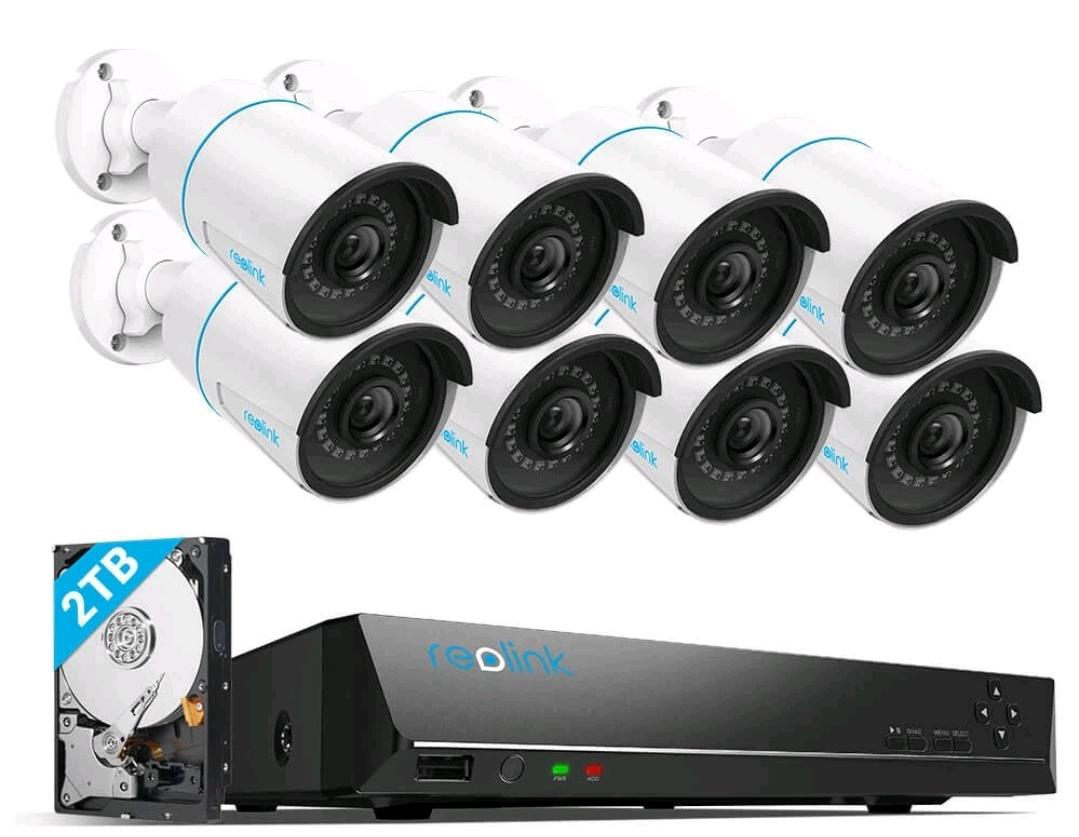 Reolink DIY PoE System